


Multifunctional and practical text editor
June 8, 2021
Out of all the alternatives to replace the classic Windows Notepad, we offer you TextPad. It's a text editor, that may seem simple, but is actually very complete and configurable.
Functions of TextPad
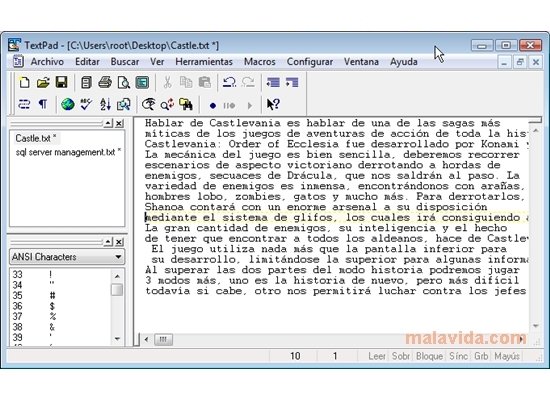
- View and edit various documents simultaneously.
- Creation of different work areas, each with of them with their own features.
- Tools to define the text's style (align, increase or decrease the indentation, join lines, invert between uppercase and lowercase).
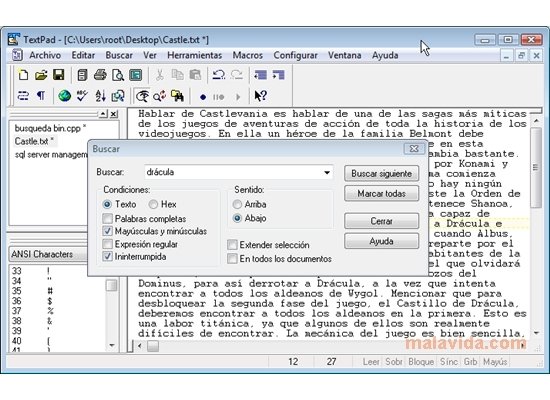
- Practical options to search for and replace text in the files, with the possibility to define markers.
- Preview files.
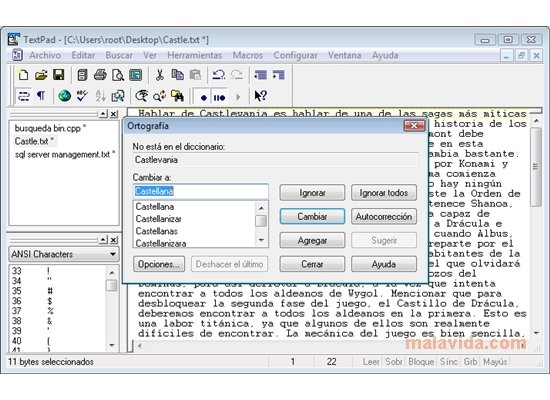
- Integration of spellcheck tools.
- Save macros.
- Convert the text to DOS or ANSI (process that isn't reversible for unique characters).
- Basic file management integrated into the application (copy, remove, change the name or update the files).
- Shortcut to Windows Explorer.
- Compatibility with the text (TXT, INI) and HTML files.
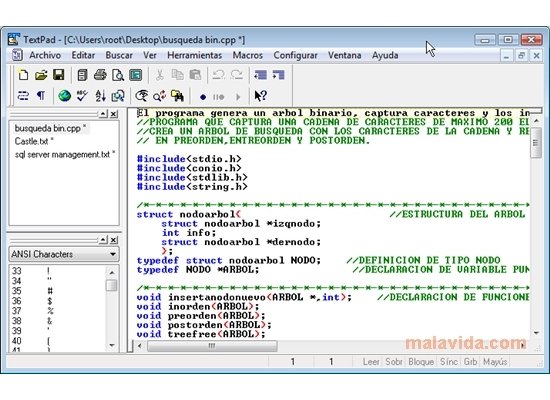
- Support to edit code in C, C++ or Java programming languages.
Edit your texts and develop small applications with TextPad.
Requirements and additional information:
- This is a trial version that has certain limitations.
- This download requires a ZIP compatible compressor.
 Antony Peel
A Telecommunications Engineer, chance led me to the translation industry, where after a few years, I discovered another side of the world of technology while translating what others were writing about mobile applications and software. That...